

Github: Social Network of Programmers#
GitHub is a code hosting platform for version control and and social network for collaboration. It lets you and others work together on projects from anywhere.
Sign up for GitHub#
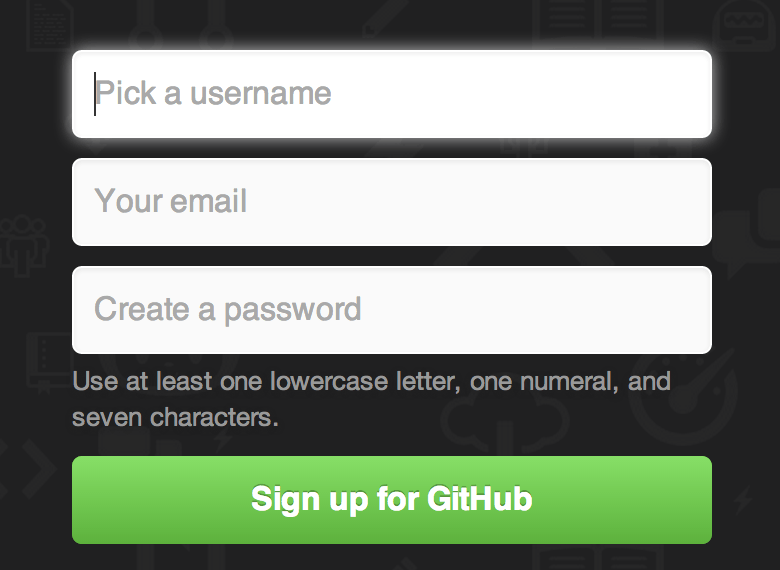
If you don’t already have an account, you can sign up for a free account at github.com
This process is like signing up for any other web service. You’ll need to: pick a username, provide an email address and choose a password. Fairly standard stuff.
Github Profile#
Your GitHub profile is the place where you can share information about yourself, your projects, and your interests. You can also use it to follow other developers, discover new code, and contribute to projects.
It is a good idea to add a profile picture and a bio to your profile. This will help others to know who you are and what you are interested in.

Fig. 6 A lot of famous developers are on Github including the creator of Linux and Git, Linus Torvalds.#

Repositories and Projects#
A repository is the most basic element of GitHub. They’re easiest to imagine as a project’s folder. A repository contains all of the project files (including documentation), and stores each file’s revision history. Repositories can have multiple collaborators and can be either public or private.
Creating a Repository#
A repository is usually used to organize a single project. Repositories can contain folders and files, images, videos, spreadsheets, and data sets – anything your project needs. Often, repositories include a README file, a file with information about your project. README files are written in the plain text Markdown language. You can use this cheat sheet to get started with Markdown syntax. GitHub lets you add a README file at the same time you create your new repository. GitHub also offers other common options such as a license file, but you do not have to select any of them now.
Your hello-world repository can be a place where you store ideas, resources, or even share and discuss things with others.
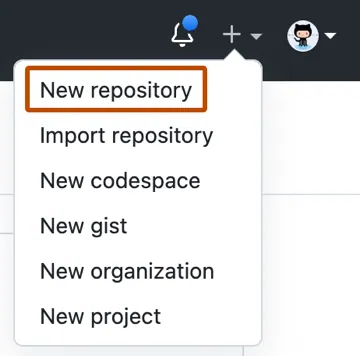
In the upper-right corner of any page, use the drop-down menu, and select New repository.
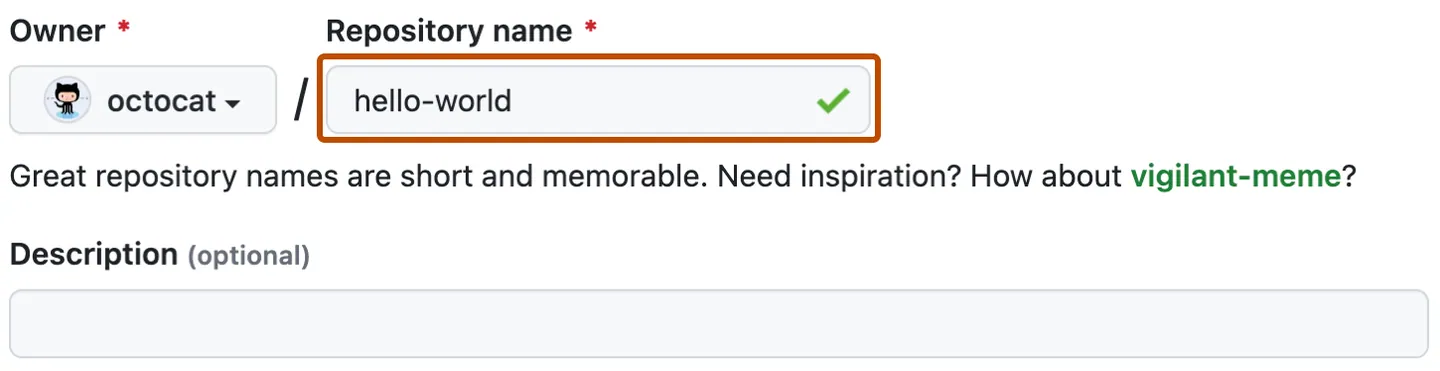
Type a name for your repository, and an optional description.
Choose Public for repository visibility.
Click Create repository.